 SubPIP
Captions in PiP
Subtitles follow the video into the floating window and stay above the controls.
SubPIP keeps the captions when you pop a video out, so you can follow every line while you work in another tab.
Works in Chrome, Edge and Brave. Press Alt+P on any video.
Recordings of the real SubPIP window, not mock-ups.
On a site SubPIP doesn't know yet, click its captions once. The window shows them, and the site is remembered.
Anime and film sites often play the video in a player from elsewhere. One click puts that whole player in the window, subtitles and all.
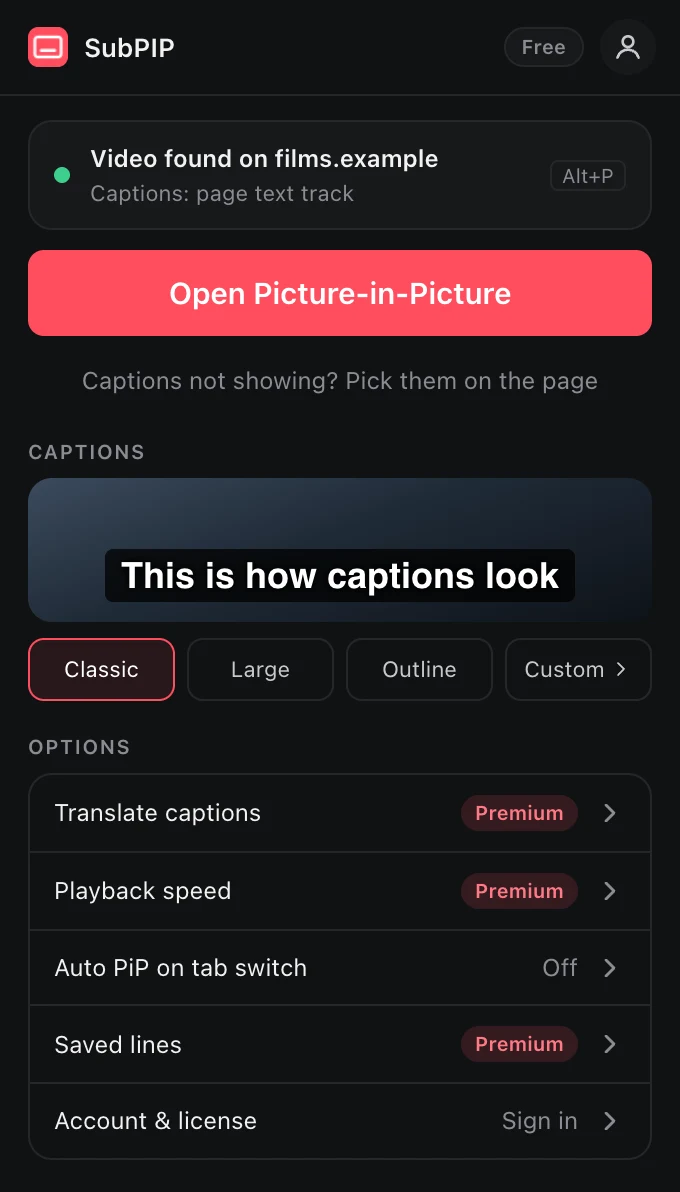
Classic, Large or Outline, or your own size, colours and background. The window changes as you choose.
Space to pause, the arrows to jump 10 seconds, C for captions and M to mute, without reaching for the mouse.
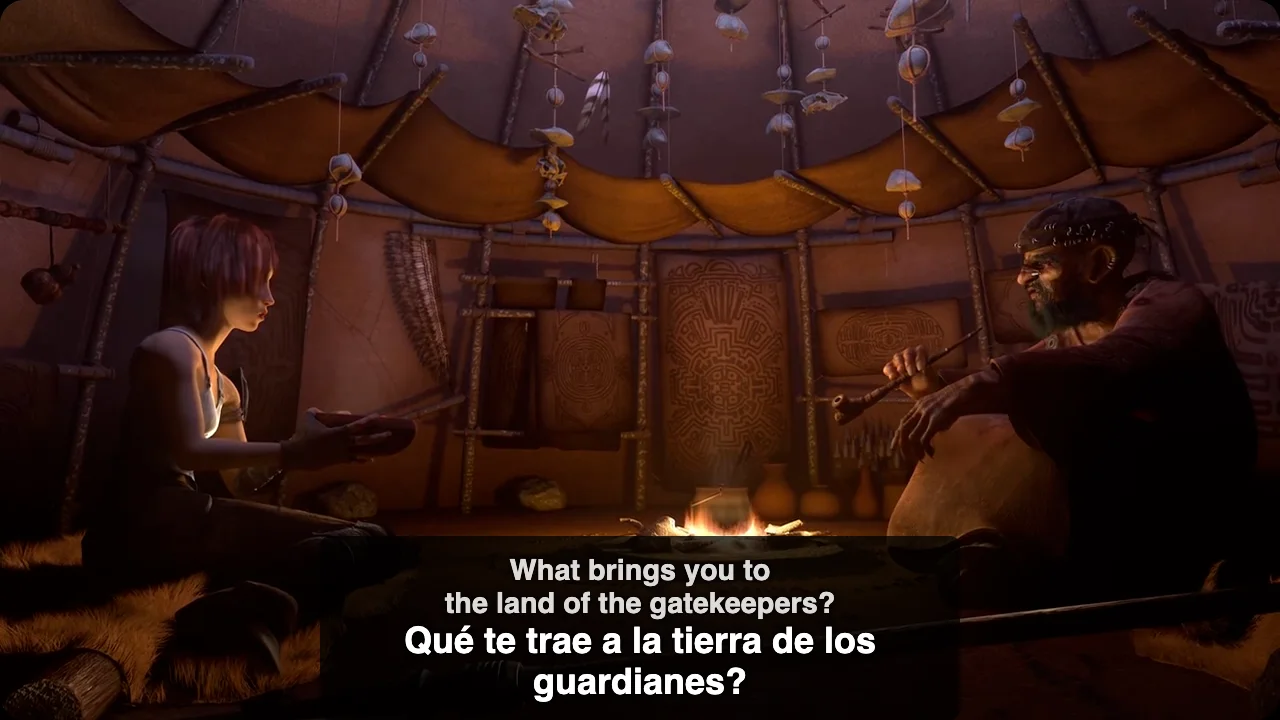
Pick a language in the window's menu and every line appears with its translation under it.
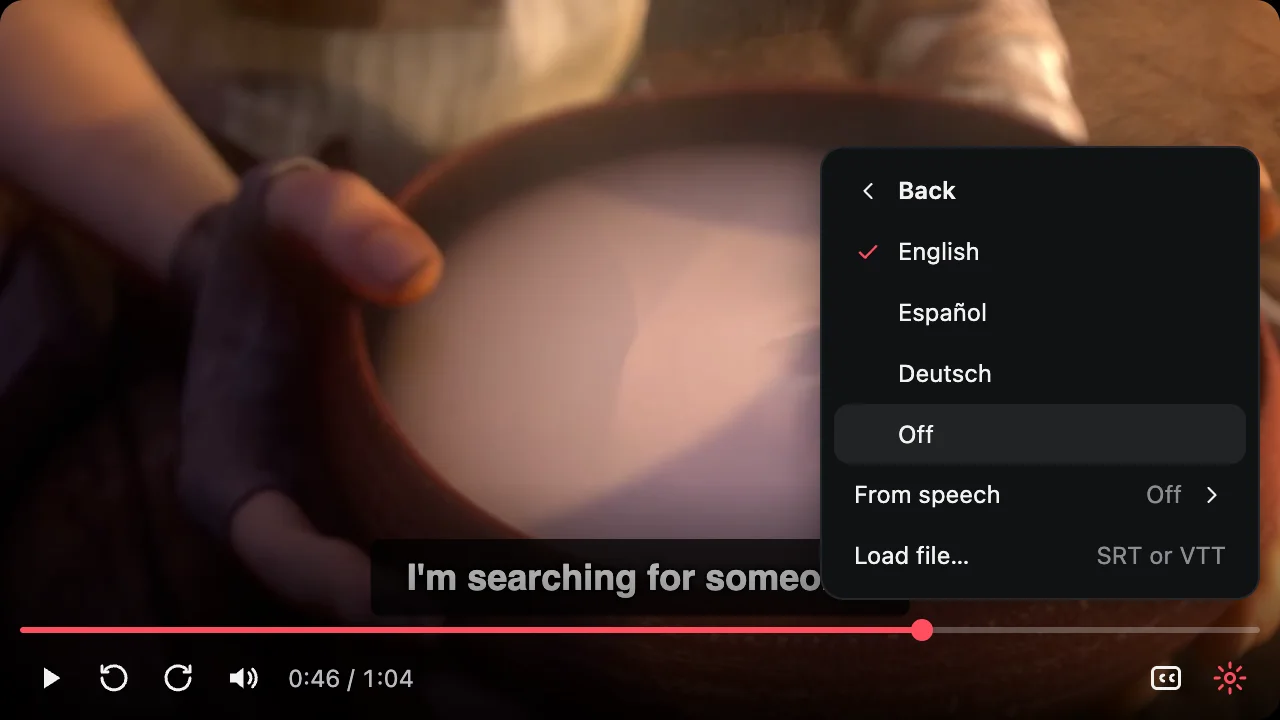
No subtitles at all? Choose the language being spoken, and captions are written from the film's sound, on your device.
Click a word in a caption for its meaning. The video waits, and you can save the line for later.
Press Q and the film stops after every line. S plays it again, Space moves on. Made for learning a language.
Load an SRT or VTT file from the window's menu, and move it earlier or later if it is out of step.
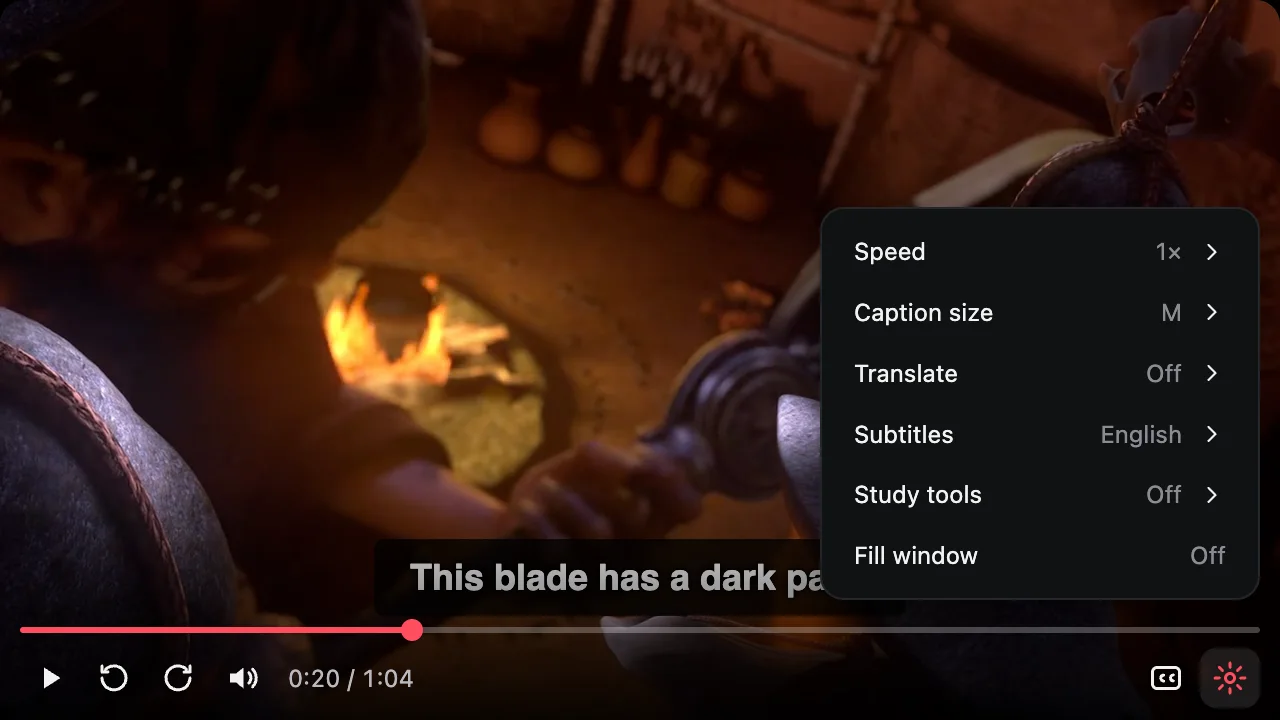
Anywhere from 0.5× to 3×, with the captions keeping up.
Built-in caption support for the big streaming sites and anime sites, and the video's own captions everywhere else.
A floating window with real controls and captions you can actually read.
Subtitles follow the video into the floating window and stay above the controls.
Pick Classic, Large or Outline, or set your own size, colors and background.
Real-time caption translation into 39 languages while you watch.
Play anywhere from 0.5× to 3×, right from the PiP window.
Optional: switch tabs and the video pops out on its own (Chrome 134+).
Space, arrows, M to mute, C for captions, and Alt+P to open.
Screenshots of the window and the popup as they are today.

The films in the demos are Sintel and Tears of Steel, © Blender Foundation, used under CC BY 3.0.
Add SubPIP to Chrome from the Web Store. It's free.
On YouTube, Netflix or any site, with captions turned on.
Or click the SubPIP icon and choose Open Picture-in-Picture.
SubPIP is free. Premium is a one-time payment, no subscription.
or ₹399 for one year
One payment, no subscription. Full refund within 7 days.
It opens the video you're watching in a floating Picture-in-Picture window together with its subtitles, so you can keep following the dialogue while you work in other tabs or apps.
YouTube, Netflix, JioHotstar and Crunchyroll have built-in support. On anime and film sites that play the video in a player from another site, one click puts that whole player in the window, with its own subtitles. Sites built on common players (JW Player, Video.js, Plyr, ArtPlayer, DPlayer, Vidstack and others) work too. Anywhere else, SubPIP uses the video's own captions, or the captions you point at once.
Real-time caption translation into 39 languages, captions written from speech for videos that have none, study tools (replay a line, word meanings, saved lines), Skip intro and Next buttons in the window, your own subtitles from a file or link, and playback speed from 0.5× to 3×. It's one payment of ₹999, with no subscription, or ₹399 for one year, which ends by itself.
After paying you get a license key. Open the SubPIP popup, sign in with the same email, and paste the key under Account & license, or press "Check payment".
Your settings stay in your browser. If you sign in, your email and license status are stored securely with your SubPIP account. When translation is on, captions are translated on your device where Chrome can do it; otherwise their text is sent to a translation service. See the Privacy Policy.
Chrome and other Chromium browsers such as Edge and Brave, version 116 or newer (they need Document Picture-in-Picture).